Underwater videos
The videos you select play automatically. Most of the collection comes from the Mediterranean. Footage from other seas depends on the videos and channels set up for your display.
Show underwater footage on your website or on a screen at your venue. With AMIGANSEAU TV, viewers can look up the species they see and keep exploring on their phones.
AMIGANSEAU TV plays marine life videos automatically and can display information, event listings, weather, graphics and announcements. Viewers can scan the QR code on screen to find out more on their phones.
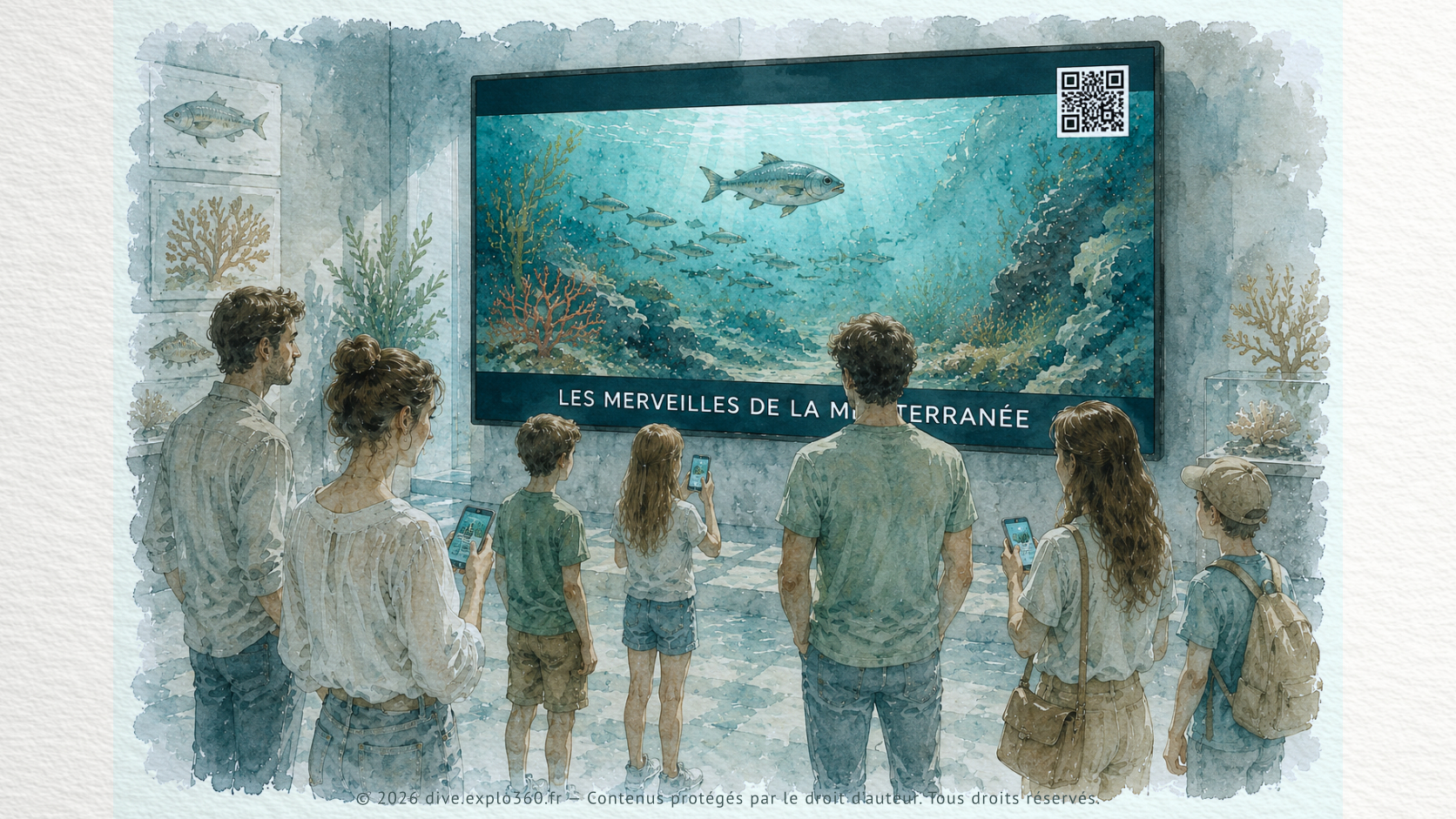
The videos you select play automatically. Most of the collection comes from the Mediterranean. Footage from other seas depends on the videos and channels set up for your display.
Use short panels to introduce a species or habitat, explain an activity or share a conservation message.
Show upcoming talks, workshops, outings and other events between videos.
Show the local forecast or practical information for your venue.
Give viewers a quick visual guide to the species on screen.
Put an important announcement on screen straight away without interrupting the playback sequence.
Watch the videos, information panels and announcements as they appear on screen.
Use your phone’s camera to scan the QR code on screen.
Look up the species you saw directly on your phone.
Build your own marine life logbook as you explore.
Choose TV Web for a website or TV Pro for screens in a visitor venue.
Add an interactive marine life player to your website.
Use TV Pro to run digital signage on professional screens in public venues.
Set up an interactive marine life display in a reception area or learning space.
Show visitors footage of the animals and habitats they might encounter in the wild alongside what they see in the tanks.
Introduce local marine life and highlight your outreach activities.
Give visitors a screen where they can watch and explore selected marine life footage.
Show visitors what lives in the waters around your region.
Share educational information, promote events and highlight local outreach campaigns.
Station, Immersion and TV are ways to present the content. The Collectivité licence defines the number of devices and whether visitors are guided.
TV: present content on a screen
1 kiosk or screen, for independent use. For a small Station installation or a single TV screen.
View licence and terms6 to 10 devices, for independent and/or guided use. Combine Station, Immersion and TV at one venue; a quote is required for more than 10 devices.
View licence and termsThe chosen presentation format does not replace the licence terms.
Use the form to ask about AMIGANSEAU TV or tell us about the screen you’d like to equip.