

AMIGANSEAU ON BOARD
trouve-MOI
What did you see on your dive?
In dis-MOI, trouve-MOI and clic-MOI, MOI stands for the French words Mer, Observation, Identification — Sea, Observation, Identification.
Think back to its shape, colours and any details that stood out. trouve-MOI asks a few questions and helps you compare the species that fit what you saw.
Try trouve-MOI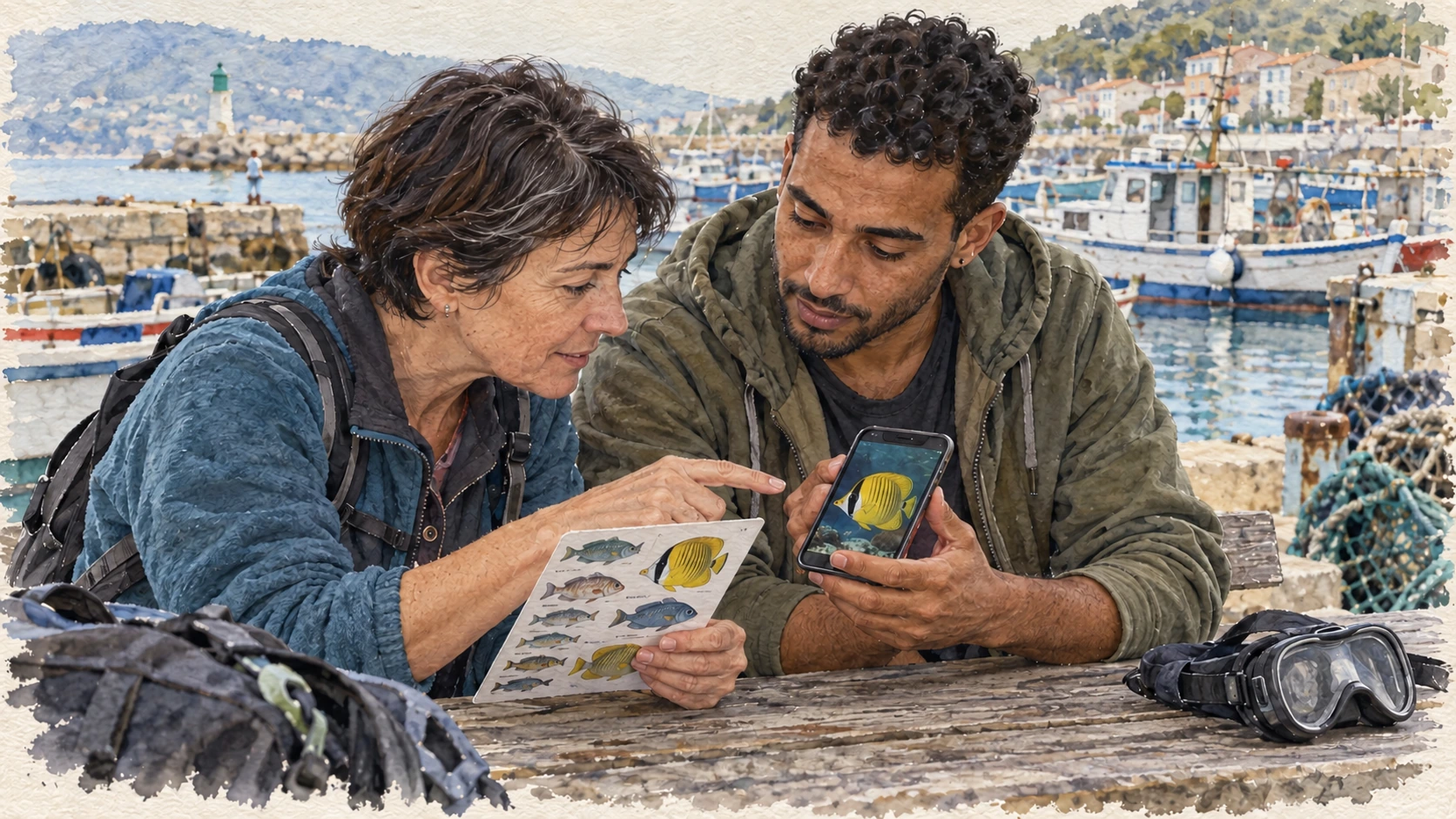
What you can do with trouve-MOI
Search for a species
Free access during launch
You can currently use trouve-MOI without paying or buying a Premium licence. A personal account is required.
Access terms may change. No future price or launch end date has been announced.
Choose a sea and a learning level, answer the questions and compare the possible matches. You can do this without Explorarium. The results are suggestions to check, whether or not you hold a licence.
Extra features with a compatible AMIGANSEAU licence
With an active compatible licence, such as Explorer Premium, you can keep private notes in Dive.Explo360 species profiles. These notes are a separate feature from the trouve-MOI search.
Check suggested matches against the species profiles. The extra features in those profiles require a compatible licence.
Explore Explorer Premium →How to see your observations in species profiles
You can use trouve-MOI on its own. If you keep a logbook and have a compatible licence, link your Explorarium account in your AMIGANSEAU account to see your past observations in species profiles, where your access rights allow. You choose which species to add to your logbook.
How to find a match
Before you leave
Sign in to your Dive.Explo360 account and activate your smartphone. Download the catalogue for the sea you’re visiting while you still have a connection.
Describe what you saw
Choose the sea you visited and your learning level. The options are primary school, lower secondary, upper secondary and adult. Answer using only the features you actually saw.
Narrow it down without guessing
Each answer shapes the next question. Think about where the organism was in the water, what it looked like and whether it was attached to anything. If you didn’t see a particular feature, you can skip it.
Compare and check
Open the species profiles and compare the suggested matches. Look for features that set the species apart before deciding which one you saw.
Look it up when you’re back on board
Answer the questions and compare possible matches on your phone or computer. If you’ve downloaded the catalogue to your smartphone, you can use it on the boat even without a signal.
Get your phone ready for offline use
Sign in with your email address and your trouve-MOI pairing code. Catalogue downloads are available on smartphones only. trouve-MOI and emporte-MOI use the same downloaded area. emporte-MOI has its own pairing code and authorised device. Downloading another area replaces the one you already have. Reconnect before you set out to update the catalogue and renew offline access.
Record the encounter in Explorarium
Once you’ve checked the match, choose the species yourself in Explorarium. Write a note about what you saw and use dis-MOI to add a question about the species.
Explore ExplorariumWatch organisms in place and leave them undisturbed. If you missed a detail or the species isn’t in the catalogue, you may be left with several possible matches.
Start with something you spotted underwater
Free access during launch
You can currently use trouve-MOI without paying or buying a Premium licence. A personal account is required.
Access terms may change. No future price or launch end date has been announced.