

Species note
Write down a question or a detail that helps you identify the species. The note is private and will be there when you reopen the profile.
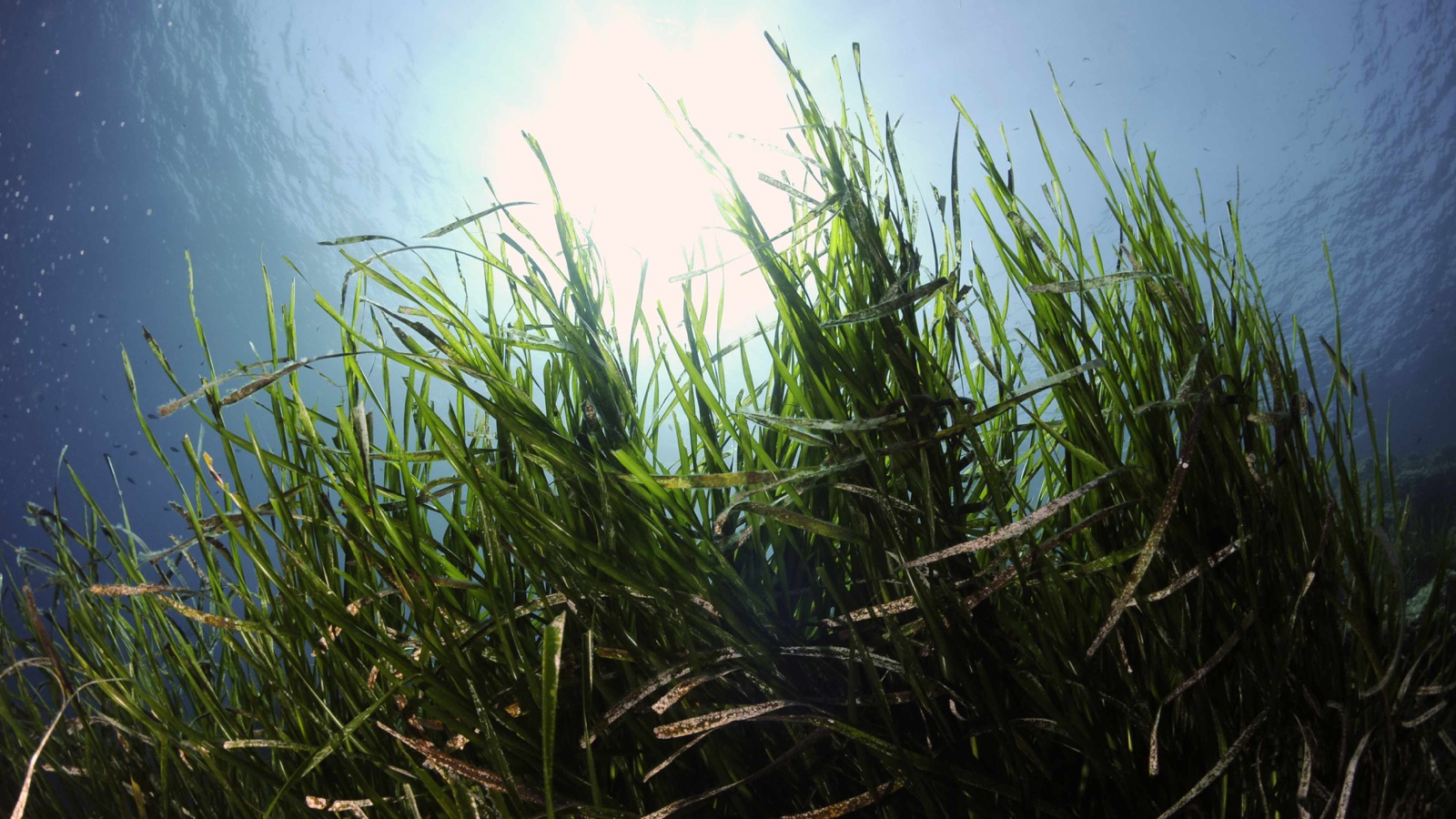
Start with a real dive. Find out what you’re looking at, see how it behaves in its habitat and follow the questions the footage raises.
Most of the footage comes from the Mediterranean, especially around the Hyères islands. The collection is growing to include the Red Sea, the Maldives and Raja Ampat. Tools, content and translations vary by region and device. The learning paths currently cover Mediterranean habitats.
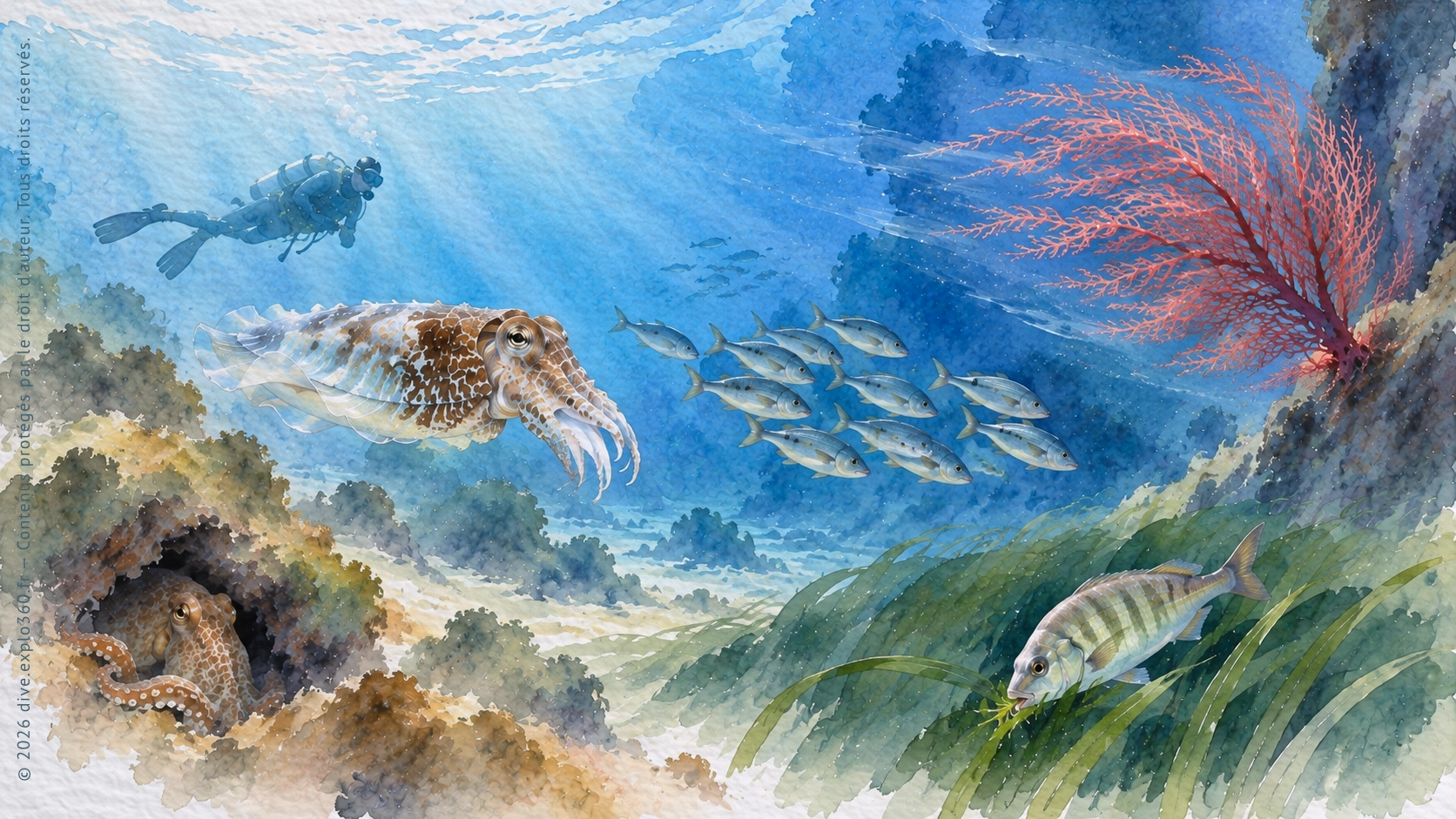
Watch marine life in its natural habitat. Look at how animals move, what they do and what’s around them.
Pick something you notice and find out why it happens.
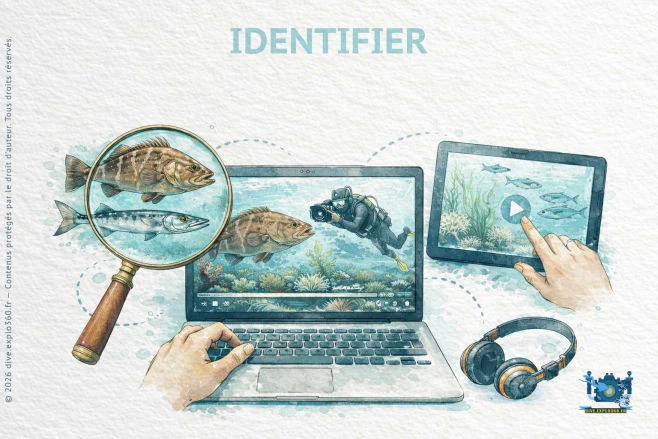
Spot something in the footage? Use clic-M.O.I to identify it and open a short profile at your chosen reading level. Then pick up where you left off in the dive.
After each dive, try the quiz to see which species you remember.
Use the species name to look it up later in Find.
Explore the dives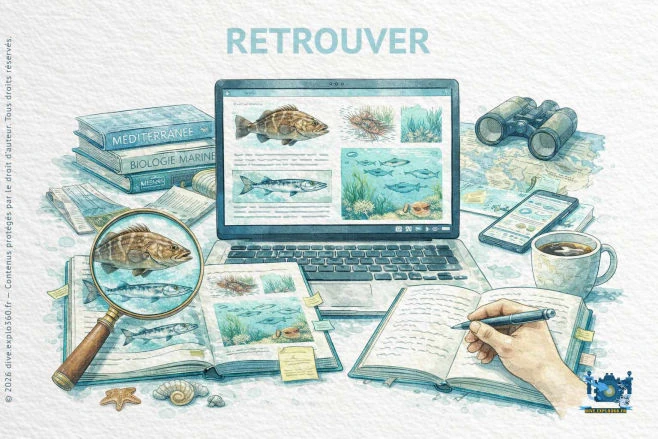
There are three ways to find a species: select it in a dive video with clic-M.O.I, search by name or browse by depth, habitat or phylum.
Open a species profile to answer questions like these. The sections you see depend on your reading level and access.
What does it look like? · Where does it live? · What does it eat?
You can also explore its ecological context to see which group it belongs to and how it fits into the food web.
With a licence, the full profile lets you go into more detail at your chosen reading level.
Use the profile the next time you spot the same species on a dive.
Browse species profiles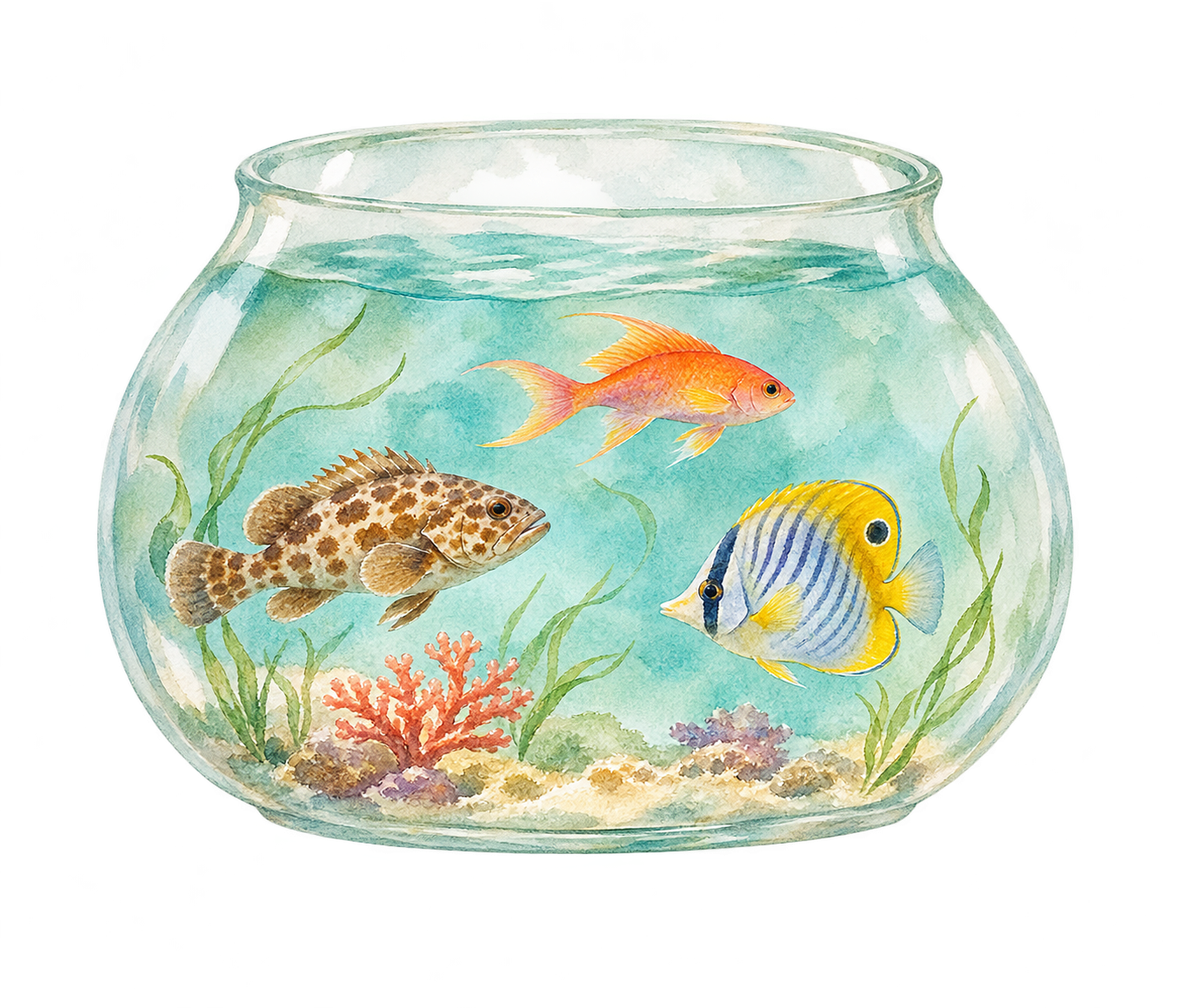
If something catches your eye in a video, open its quick guide and save it to “My aquarium”. You can go back to the dive and read the full species guide later.
You can keep watching the dive once you’ve saved the guide.
In Identify, click or tap the video when you spot a species to open its quick guide.
Choose “Add to my aquarium” to save the species for later.
In “My aquarium”, select the species thumbnail to open its guide in Find. What you can read about its features, habitat, diet and role depends on your reading level and access.
In personal mode, you can open your aquarium from other sections of the site. It holds up to 10 species for one hour each. A tick marks guides you’ve opened, and you can remove a species at any time.
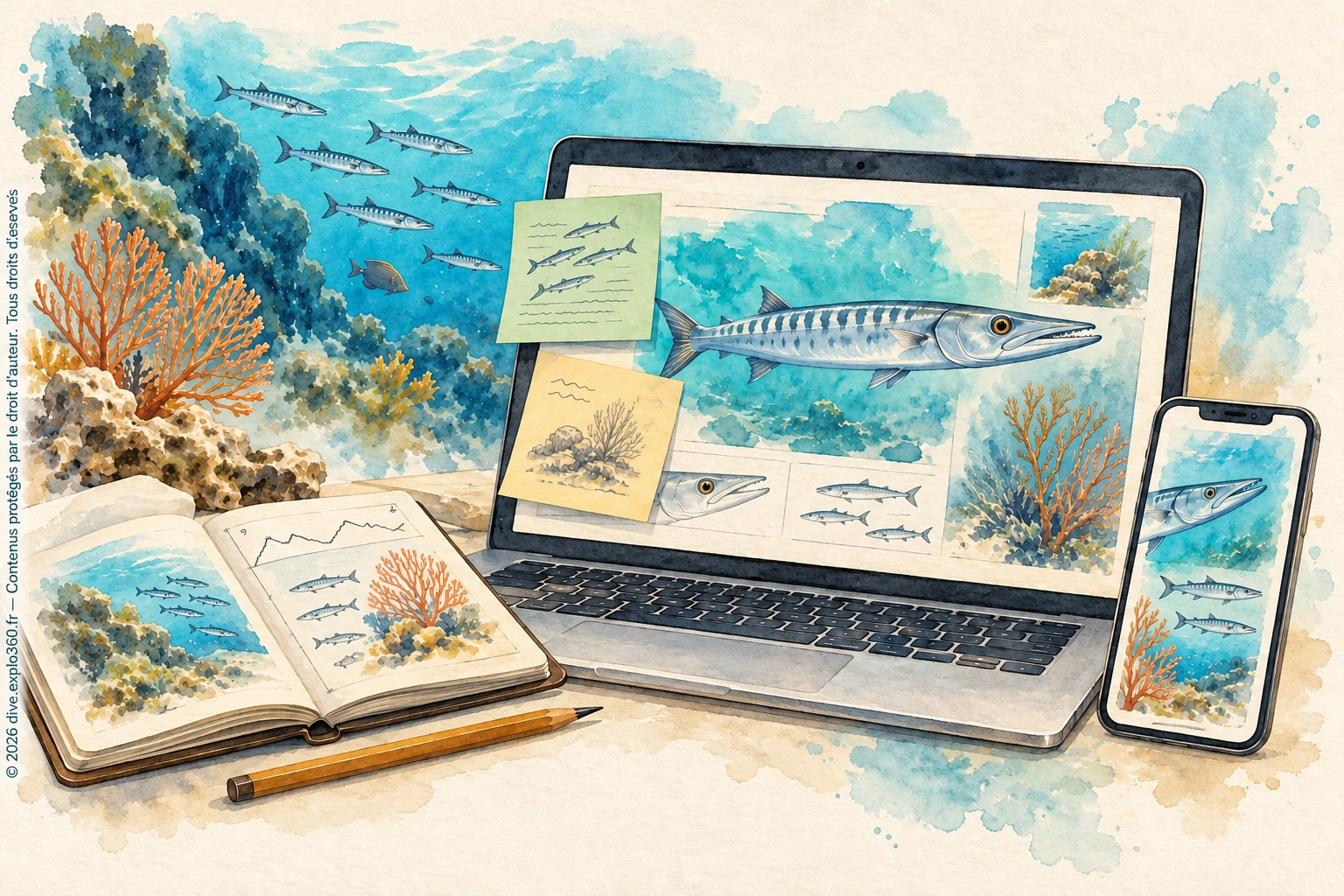
Observation notes
Save a question, jot down an identifying feature or return to a note from a dive while you read a species profile.
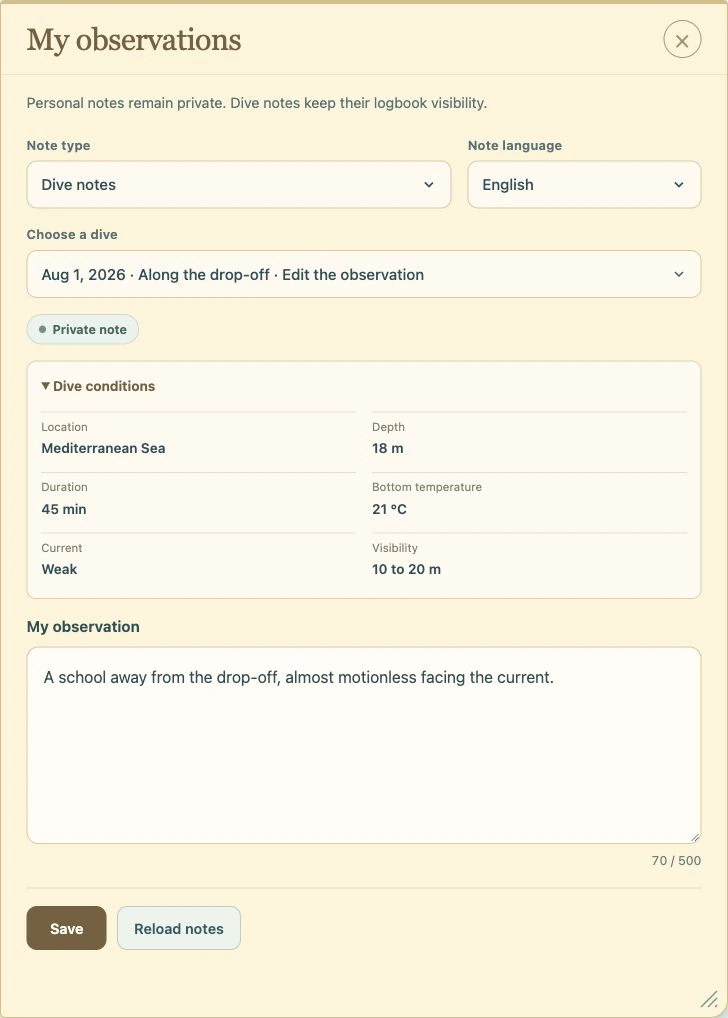
Write down a question or a detail that helps you identify the species. The note is private and will be there when you reopen the profile.
If you’ve linked Explorarium, you can read the dive notes you’ve written for this species. Use them to compare the conditions and what you saw on each dive.
Move or resize the sticky note as you read. Close it when you want the full page back.
Read a species profile, jot down a question and look for clues on a dive. Come back afterwards to compare what you saw with your notes.
French and English, up to 500 characters per language. Species notes are sage green and dive notes are sandy yellow.
Deleting Explorarium removes its logbooks and observations. Species notes linked to Premium, Académie, Explorer Pro or Solidaire are kept separately. When your last qualifying licence expires, you have six months to export or delete your species notes before they’re erased. Renew within those six months to regain access.
Manage my species notes ↗dis-MOI searches a collection of natural history answers that we’ve prepared and checked. It retrieves those answers without generating new ones with AI. The collection can still contain errors.
Ask a question, browse a topic or try a suggested question. dis-MOI uses your selected region and reading level. Answers appear in your language when a translation is available. General explanations can apply across seas, while local observations refer to the region where they were made.
Choose a question above or ask one of your own.
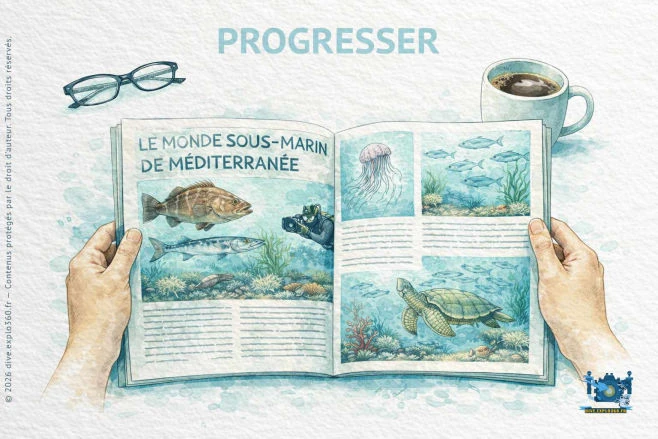
Read a single article. Why do fish swim in schools? Whether you’re curious, want to understand something you saw on a dive or are preparing a lesson, pick an article that answers your question. Filter by topic, marine region, language and available reading time.
Follow a reading pathway. A pathway brings together several articles on one topic. Browse the illustrated summaries, then follow the suggested order to move from basic concepts to more detailed explanations.
Choose the right reading level. Choose primary, middle school, high school or adult to suit your audience. Within that level, the difficulty labels guide you from an introduction to a more in-depth reading.
Check what to know before reading. Use the Preparation filter to find articles with no prerequisites, useful background concepts or a suggested article to read first.
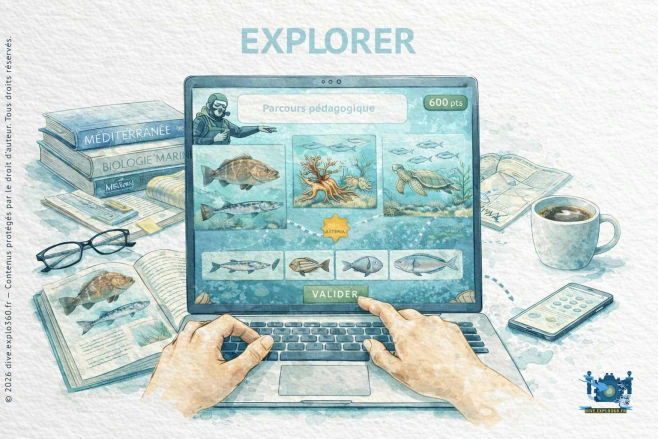
Each learning path is a guided look at a marine habitat. Watch how its species live and interact, then use the explanations and activities to make sense of what you saw.
Choose from four Mediterranean learning paths.
Posidonia meadows · Coralligenous habitats · Maerl and sand · Wrecks
As we publish more resources, we’ll add new topics and underwater observations.
Explanations and activities are tailored to your reading level.
Explore the learning pathsPlay with species and habitats you’ve come across in the dives and profiles.
Recognise species from videos.
Sort organisms into their main groups.
Match species to habitats.
Work out what different species do in their habitats.
Pick a game and see what you remember from the dives.
Bring Dive.Explo360 to your venue with a setup suited to your space and audience.
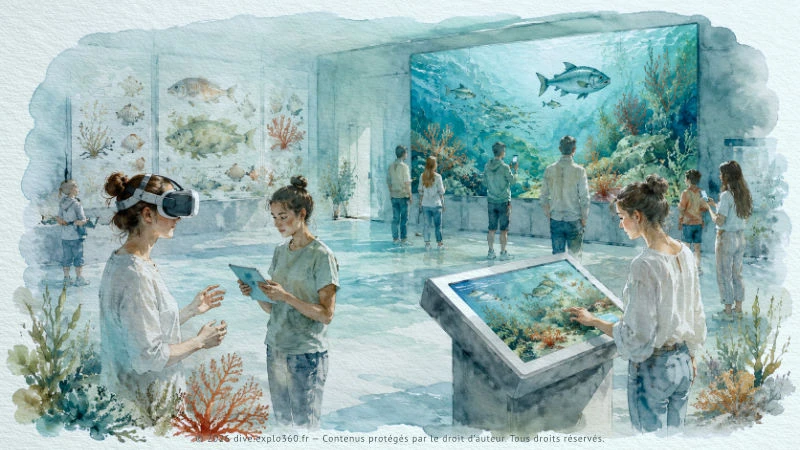
Use a large screen to watch together, a touchscreen kiosk to let visitors explore at their own pace or an immersive headset to guide them through real dive footage.
Choose the format that fits how your visitors will take part.

Watch together on the big screen and take part individually on a phone.

Browse dives and other resources at your own pace on a touchscreen.

Watch real dive footage in a headset, with a guide to help you spot details and ask questions.
After a dive, use Explorarium to record the site, the conditions and the species you saw while the details are still fresh.
Over time, you’ll build a personal record of your dives, with notes you can use to compare sites and sightings.
Revisit your notes before your next dive to decide what to look for.
Explore the dive logPlan a class, workshop or training session using dive footage, profiles, articles, learning paths, games and questions from dis-MOI. Teaching materials and handouts help you prepare and follow up.
Use the resources to plan the session, involve the group and give learners something to come back to afterwards.
Start with a dive scene everyone can watch together, on a large screen or in an immersive session.
Use explanations written for ages 6–10, 11–14, 15–17 or adults.
Ask the group to identify a species, try a game or investigate a question at a touchscreen kiosk.
Use handouts, the observation log and related resources to continue the work after the session.
Start with any of these tools and follow whatever catches your interest.
Some Dive.Explo360 resources are free for personal use. Licences cover uses such as teaching, outreach, touchscreen installations, group screenings and professional use.
The full version of dis-MOI is free to all visitors while it’s being tested. Search for a question, browse topics or read answers available for your selected region and language.
Some dis-MOI features may require a licence after the trial.
Discover licencesThe same sighting can prompt a simple question for younger readers or a more detailed explanation for older learners and adults.
The resources are designed for young people aged 6–10, 11–14 and 15–17, as well as adults, divers, teachers and other educators.
The site includes dive videos, the species profiles, the articles, the learning path, the games, an observation log and the question tool dis-MOI.
Yes, with the right licence. You can use Dive.Explo360 with a class or dive group, in a training session or workshop, or at a public venue. Choose an AMIGANSEAU licence that covers your intended use, such as teaching, outreach, club activities, professional use or public screenings.
Watch a dive and pick something you’d like to understand. Look up a species, ask a question or make a note to compare with what you see on your next dive.
Choose a dive or start with a question.